Press
Alcove press kit
Everything you need to write about Alcove: the facts, ready-to-use descriptions, screenshots and the icon. Use them freely. For anything else, email support@alcovetasks.com.
Fact sheet
| Name | Alcove: Tasks & Notes |
|---|---|
| Maker | Basil, an independent developer |
| Platforms | Mac (macOS 14 or later), iPhone and iPad (iOS and iPadOS 17.4 or later) |
| Price | Free to download and free to try for 14 days, then a one-time purchase of $29.99 (US) for Mac, iPhone and iPad together. No subscription. Family Sharing included. |
| Released | Version 1.0, October 2026. See what's new. |
| App Store | apps.apple.com/app/id6817797913 |
| Website | alcovetasks.com |
| Privacy | No account, no ads, no analytics. Data stays on the user's devices and in their own iCloud. |
| Contact | support@alcovetasks.com |
Descriptions
One line. Alcove is a calm to-do list and notebook that lives in your Mac menu bar, with iPhone and iPad apps, for one purchase.
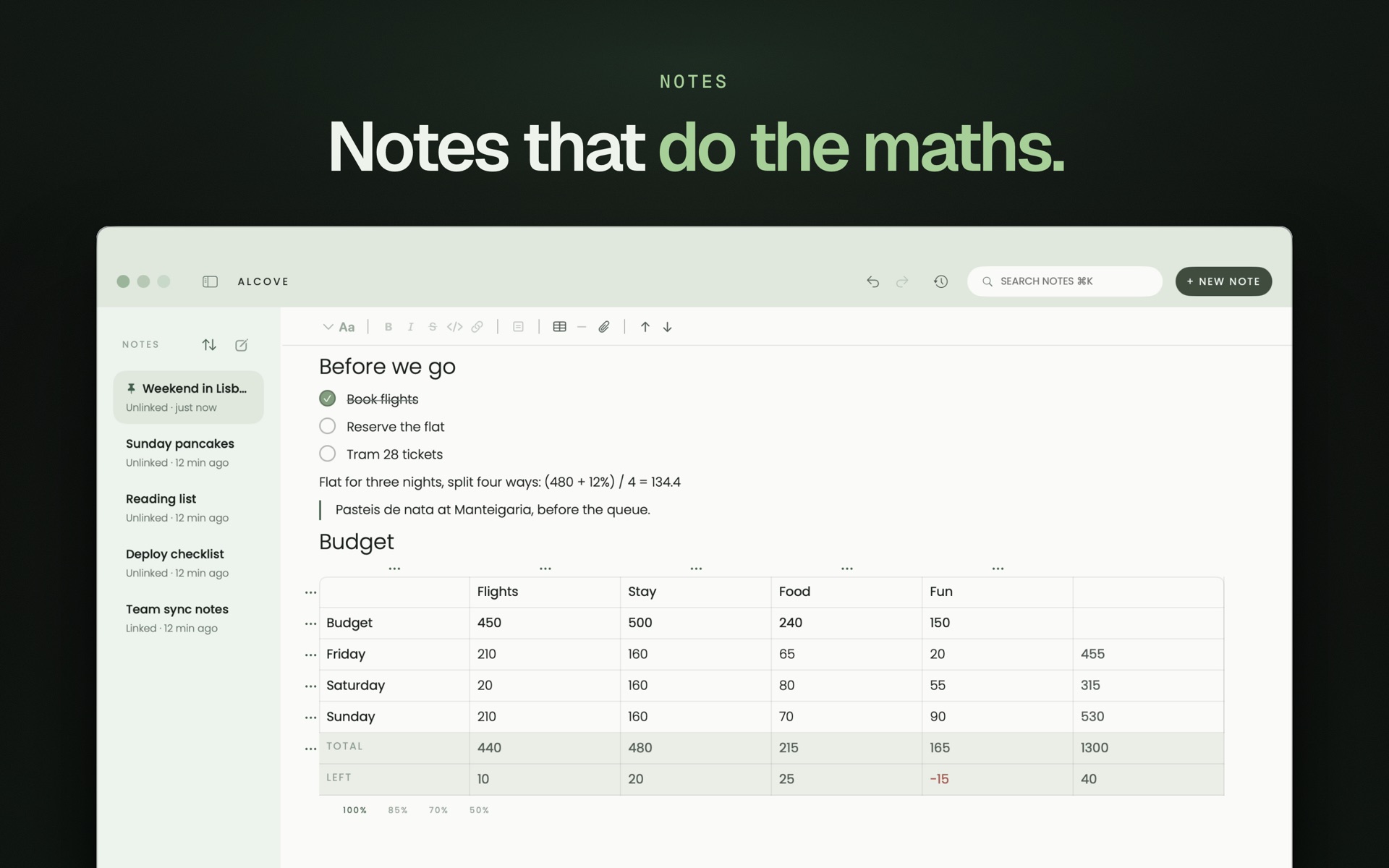
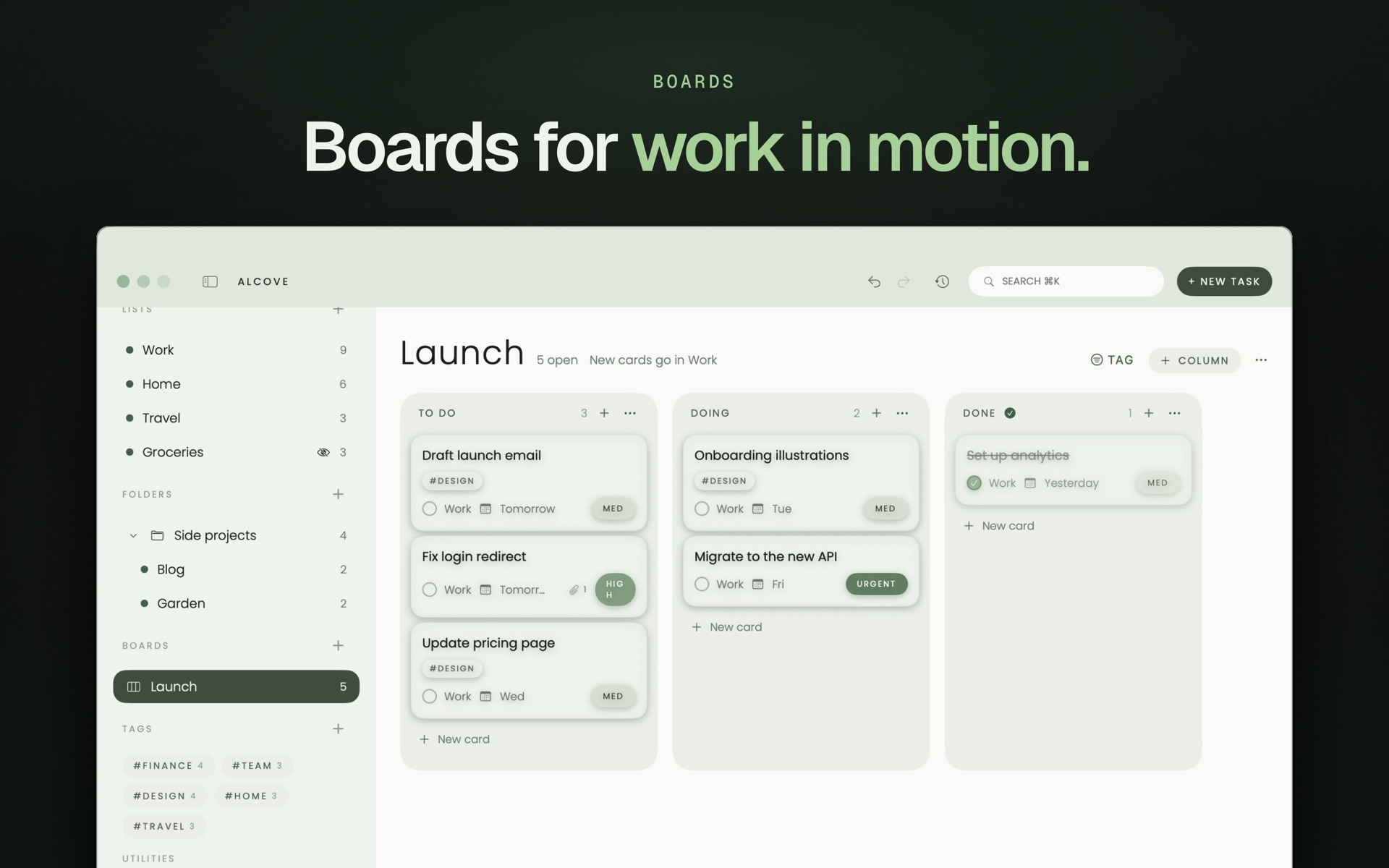
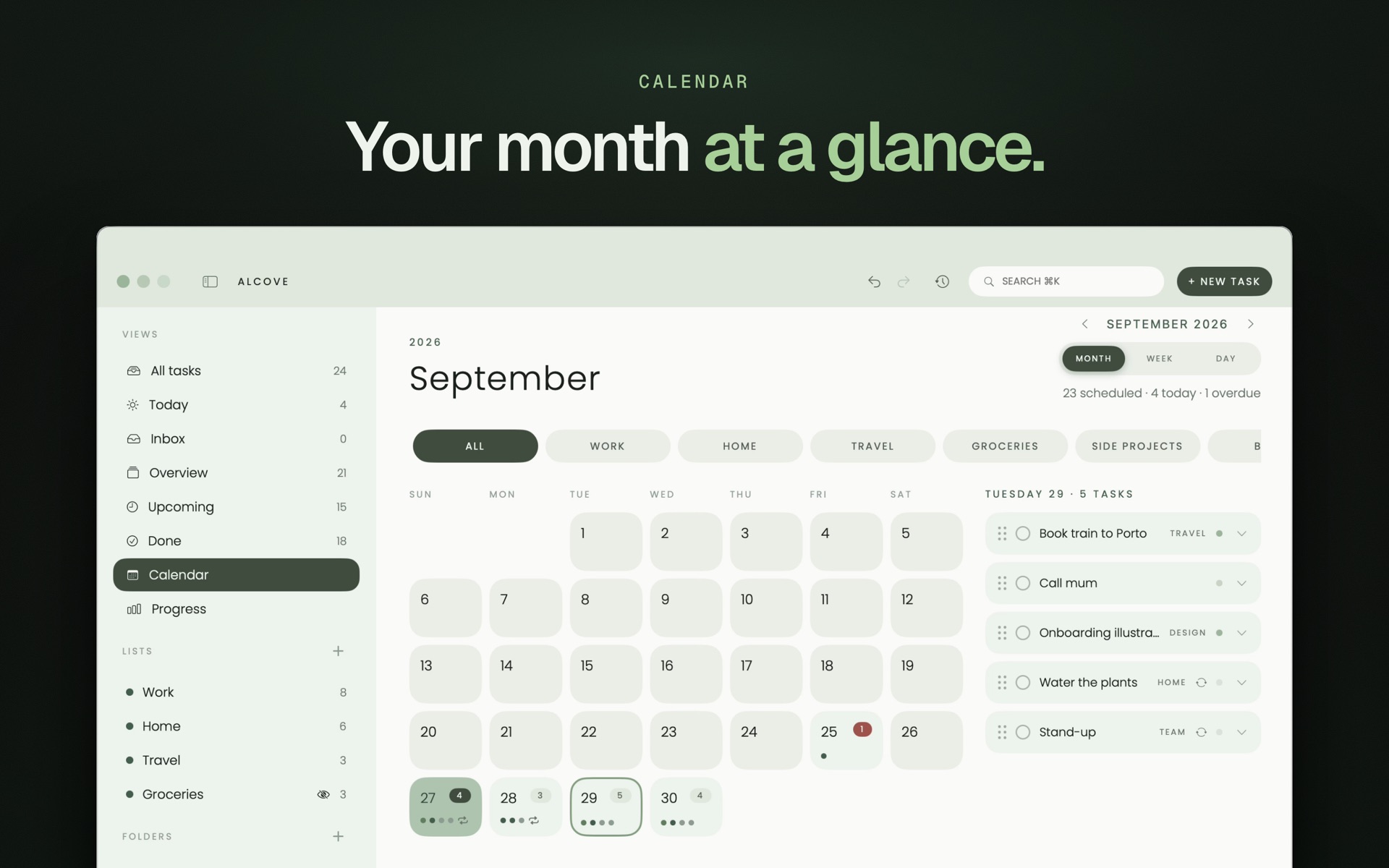
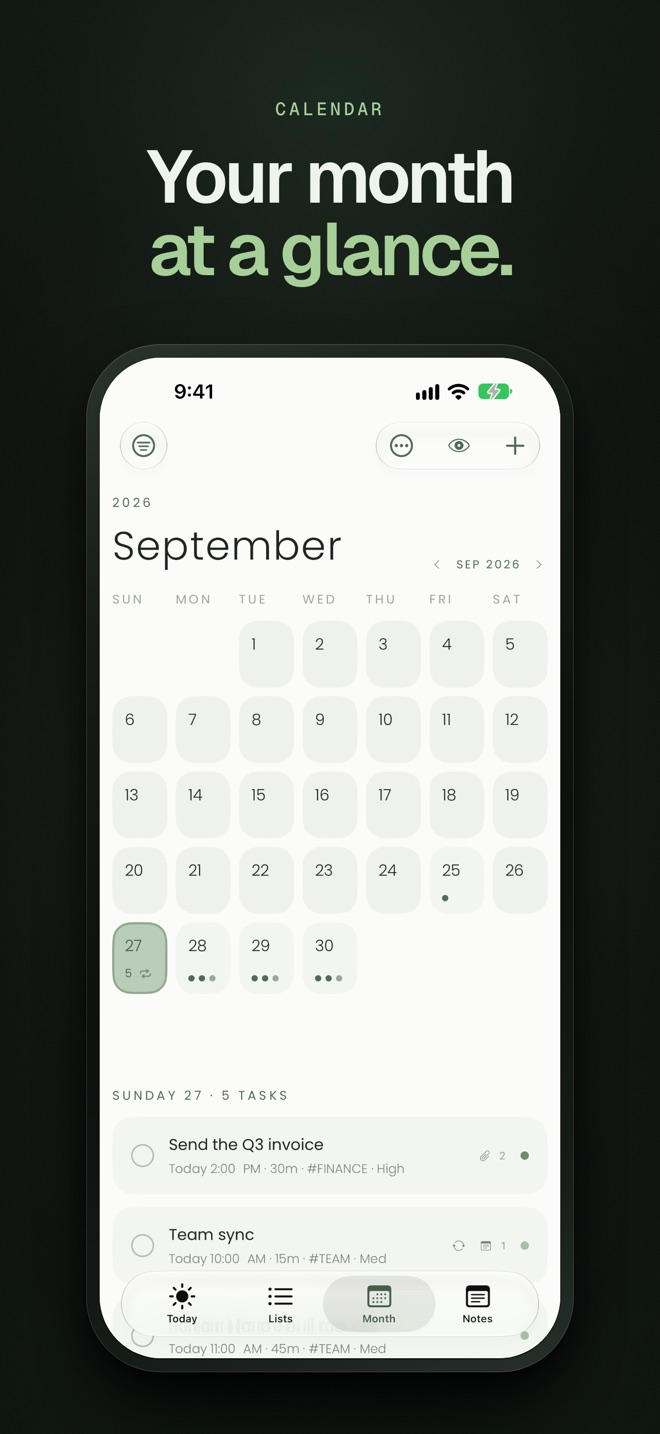
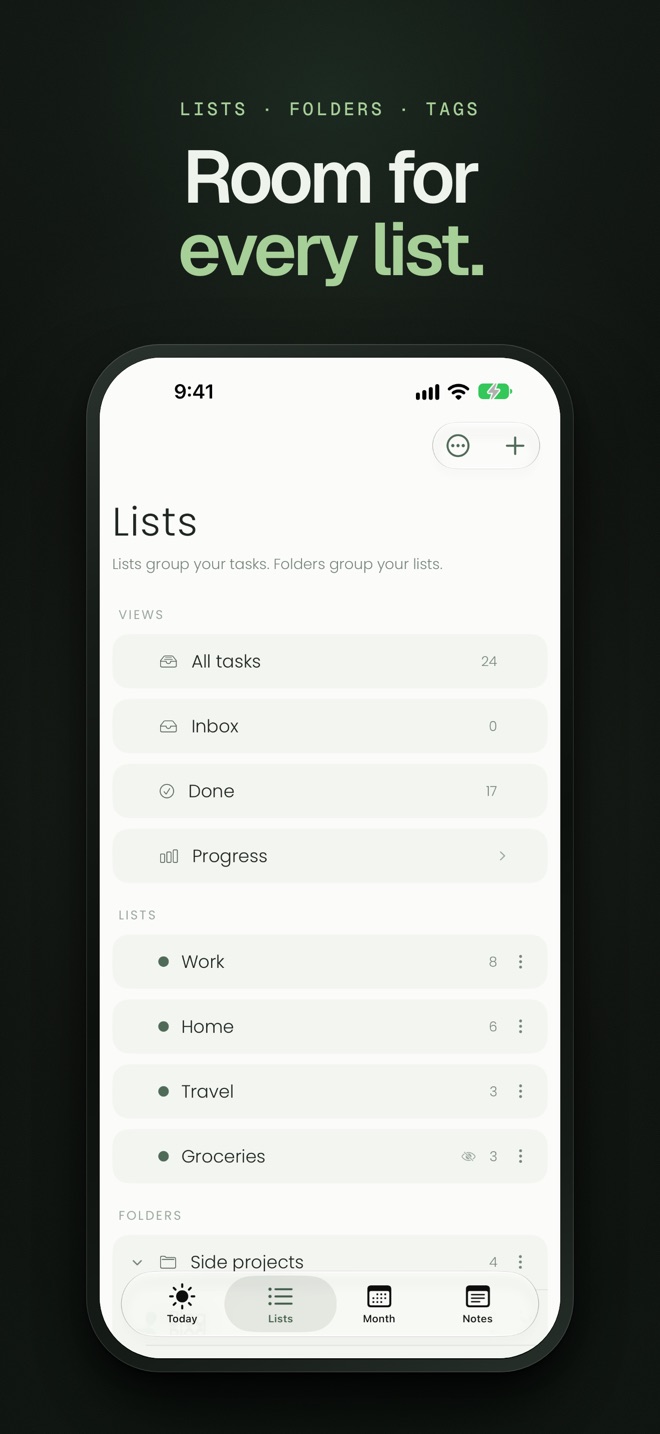
Short. Alcove keeps your whole day one click away in the Mac menu bar. Add a task from any app with Option-Space in plain words, plan on a calendar or a kanban board, keep notes that do the maths, and tick tasks off from widgets on iPhone and iPad. Reminders can ring like an alarm on iOS 26. Everything syncs through your own iCloud, with no account and no subscription.
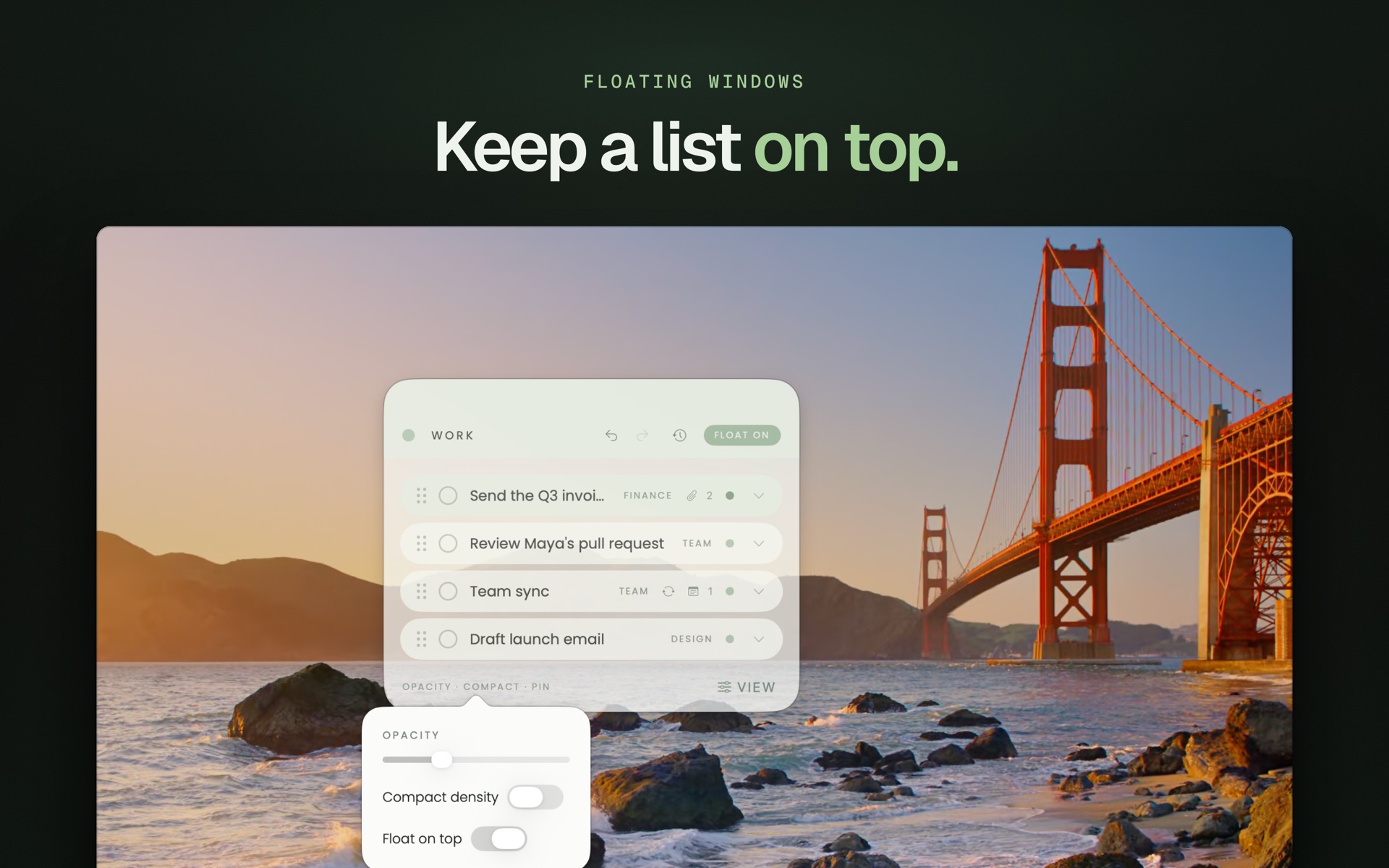
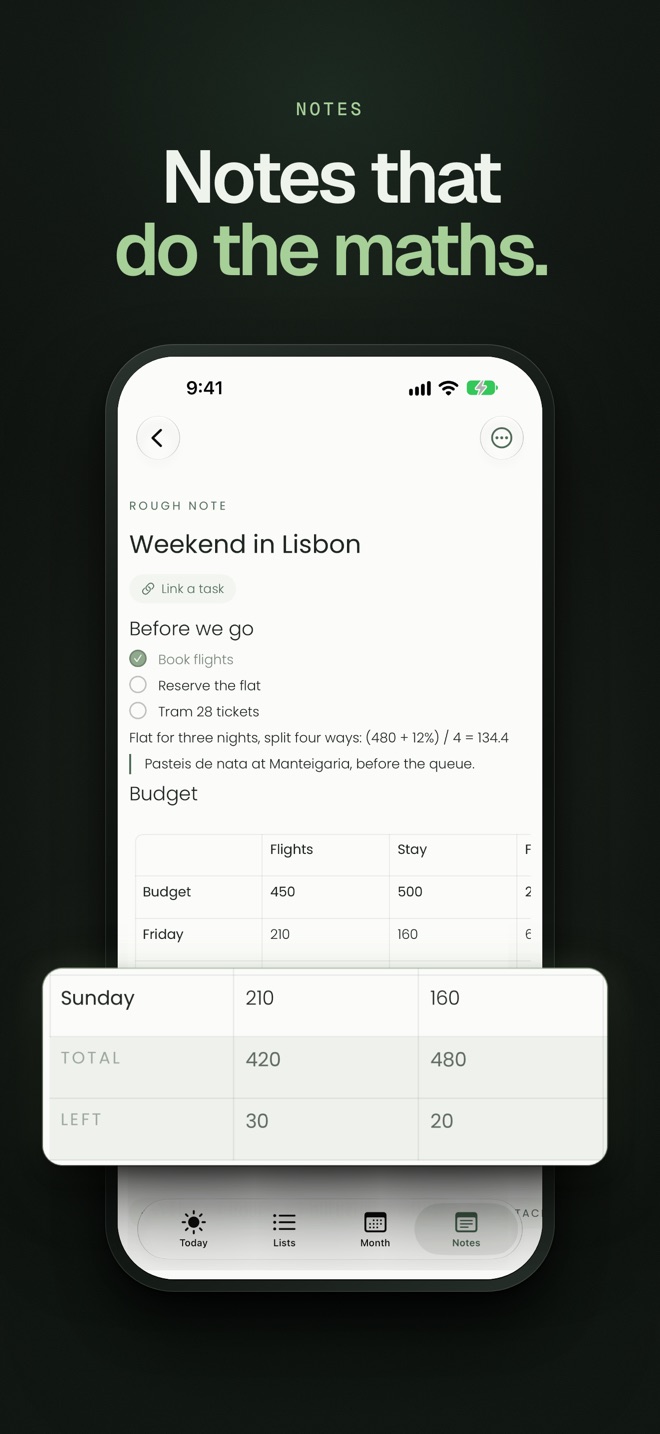
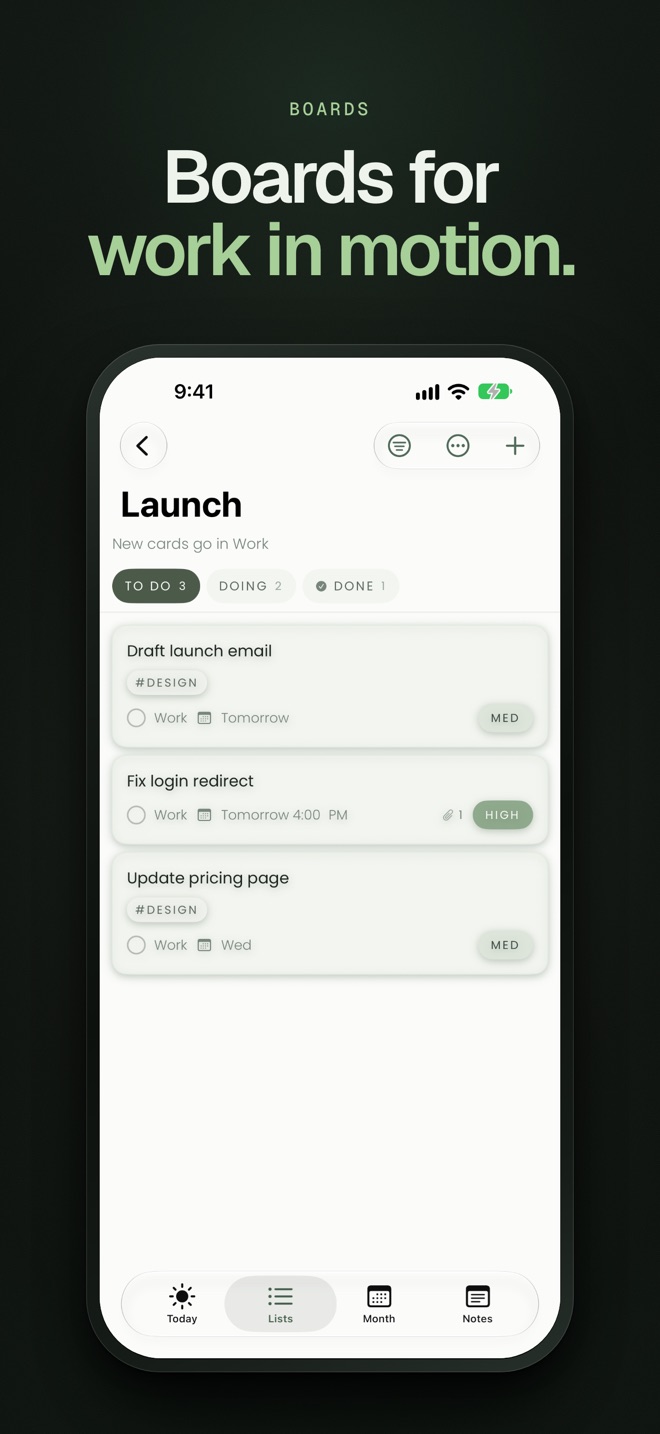
Longer. Alcove is a to-do list, daily planner and notebook in one place, made by one developer. On the Mac it lives in the menu bar: one click shows today with its count, every list, the month, your notes and your boards, and any list, note or board can float above other apps. Quick add turns a sentence like "Stand-up every weekday 9:30 15m /Work" into a task with its day, time, length, repeat and list, and Speak tasks turns a spoken ramble into separate tasks. Notes have headings, checklists, code and tables that total themselves. Boards keep each card in its list, so a card dropped in Done is finished everywhere. On iPhone and iPad, widgets let you tick tasks off from the Home Screen, and reminders can be quiet, a notification or an alarm. Alcove has no account, no ads and no tracking; tasks, notes and attachments sync through the user's own iCloud. It's free for 14 days, then $29.99 once for Mac, iPhone and iPad.
Screenshots
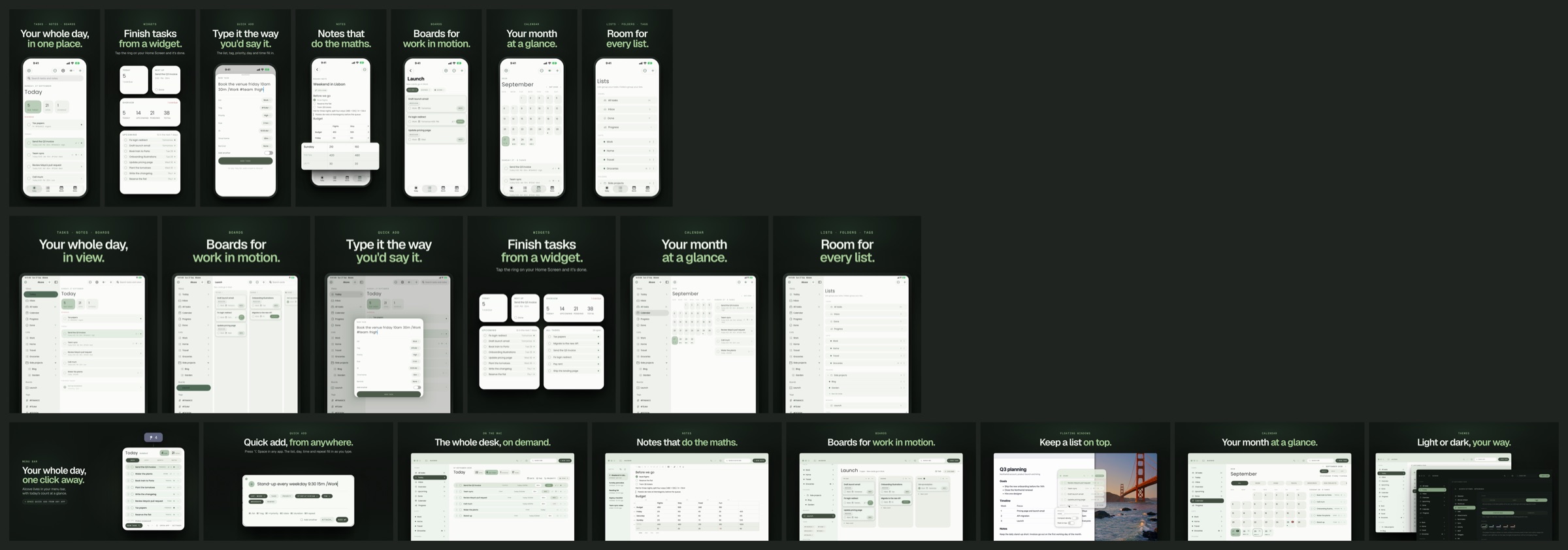
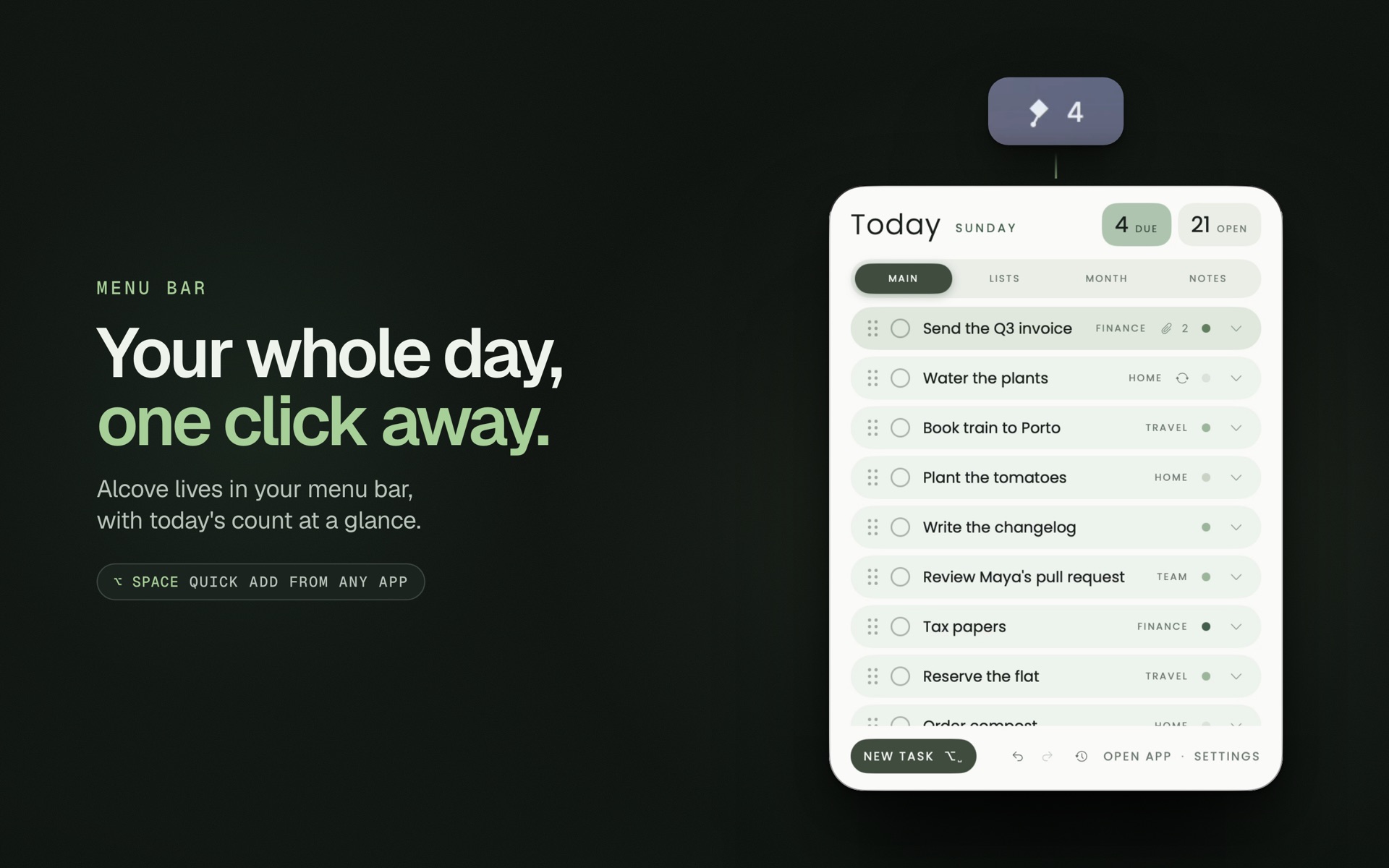
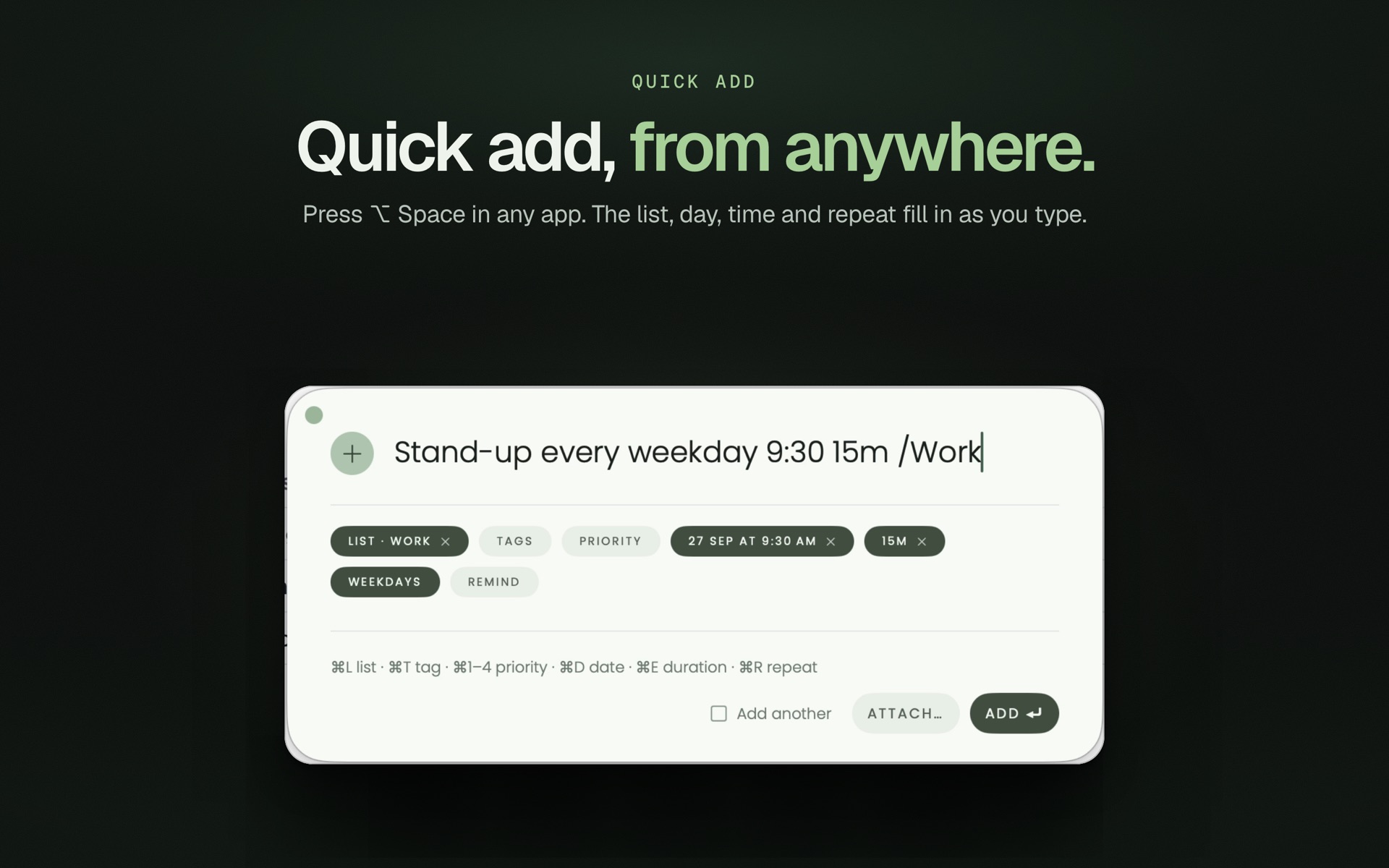
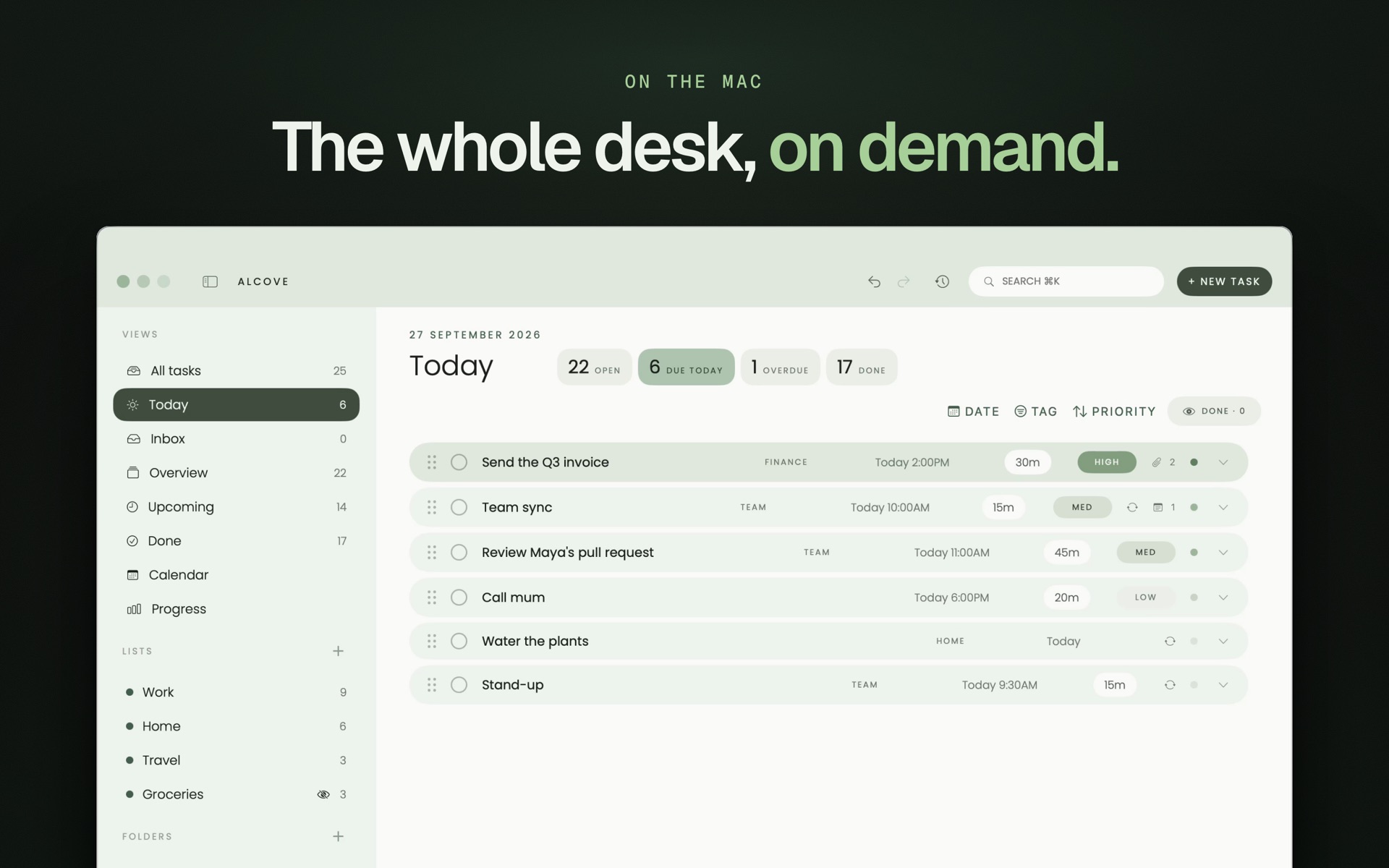
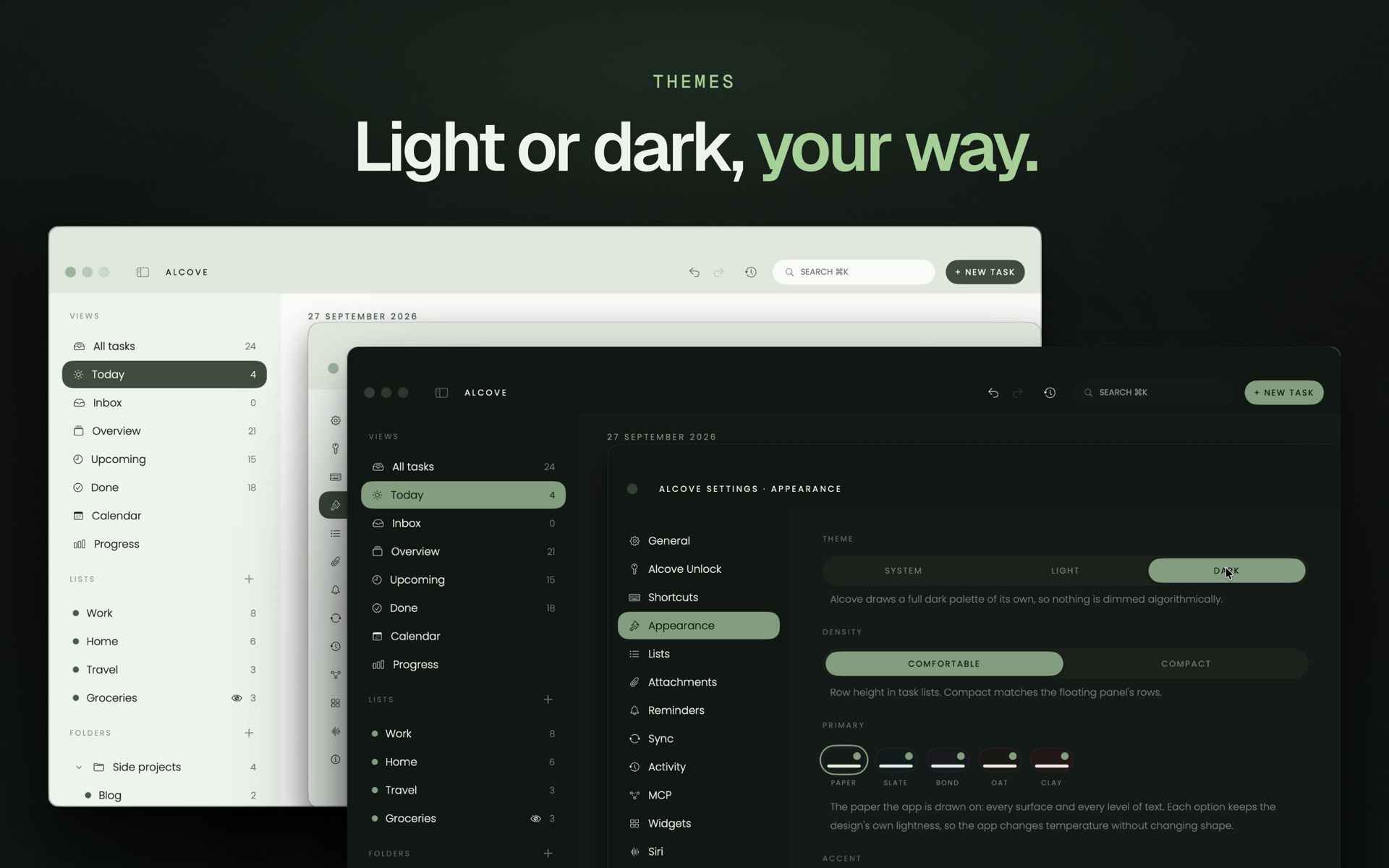
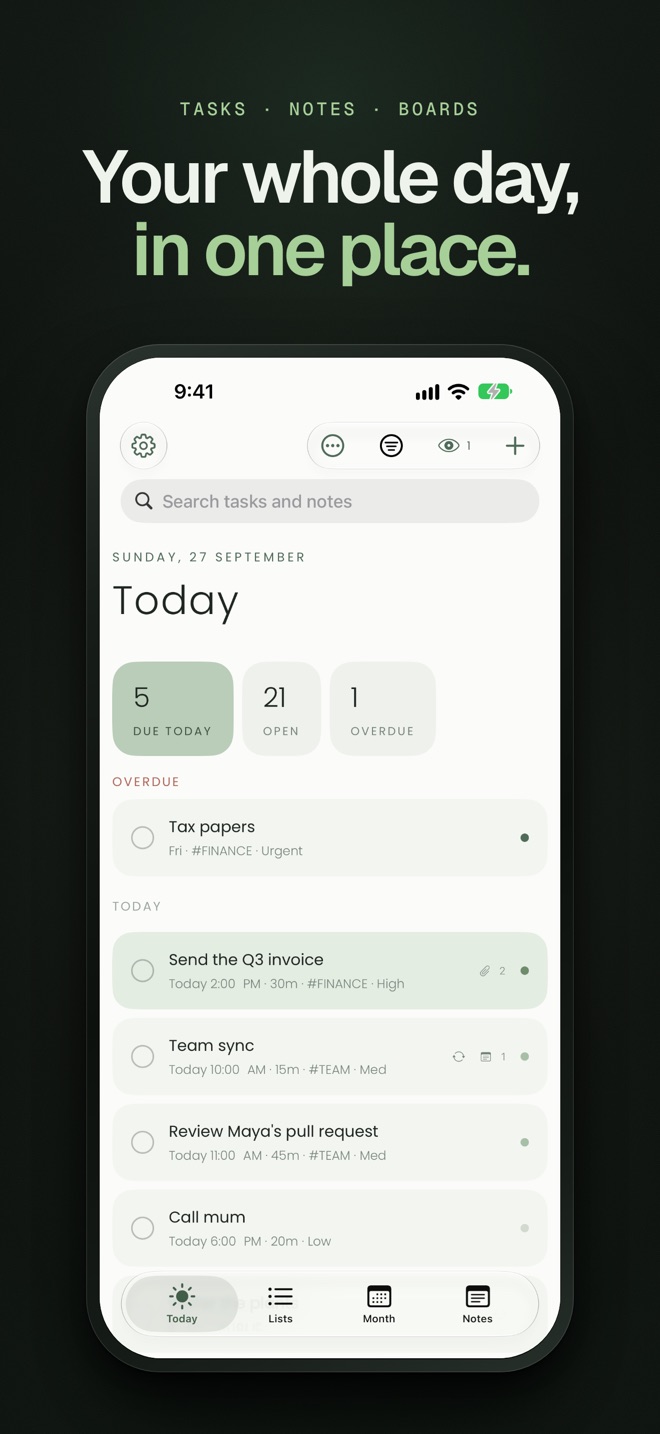
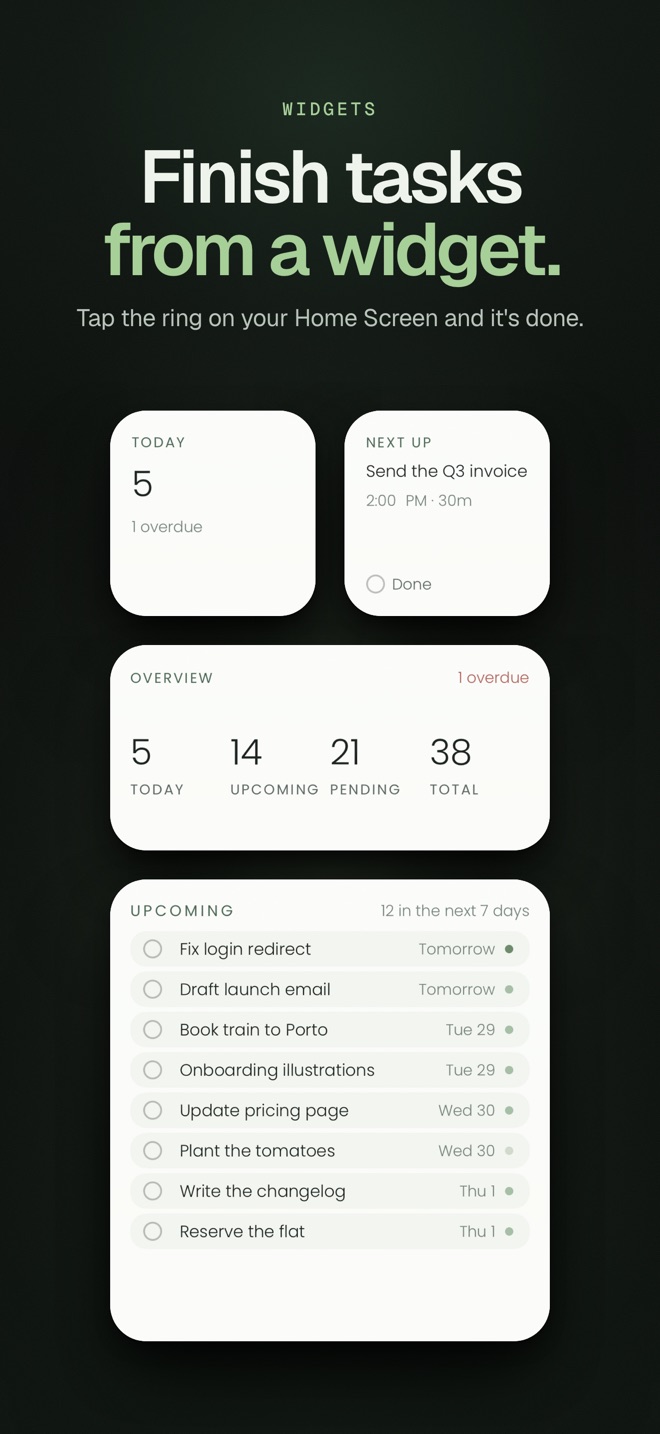
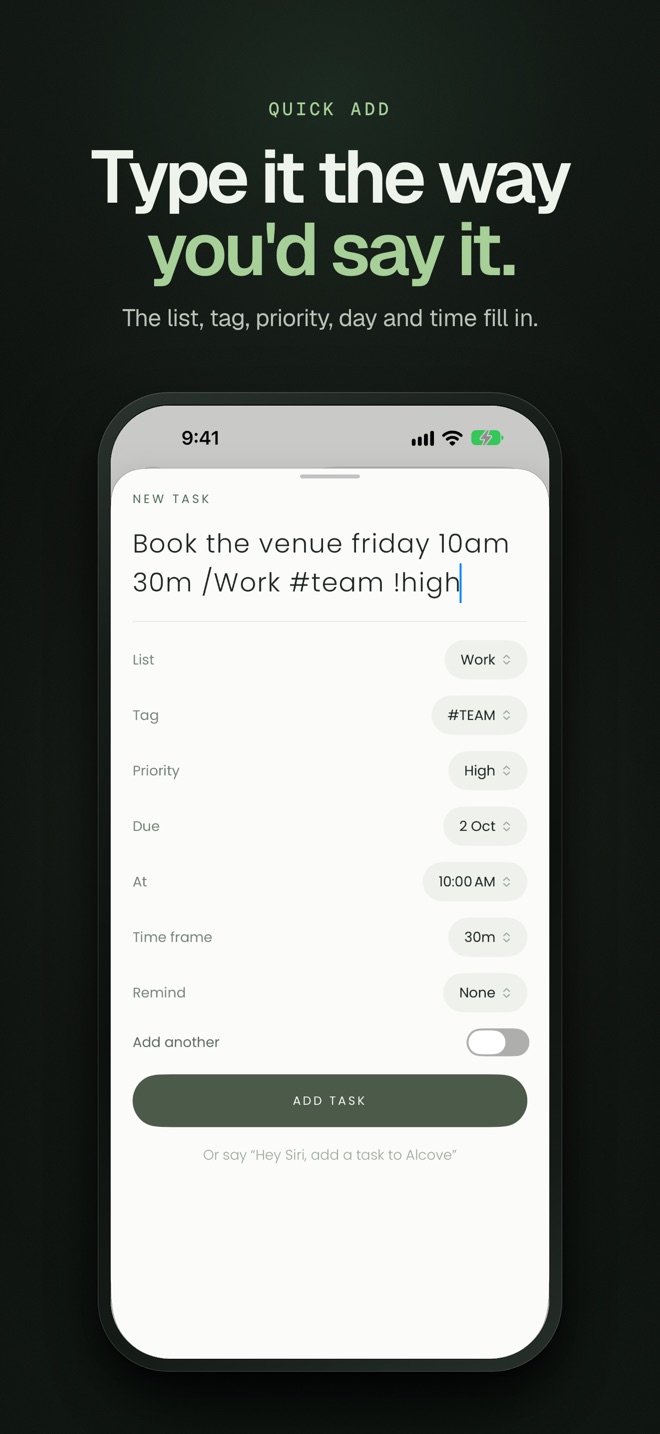
iPhone: Today · Widgets · Quick add · Notes · Boards · Calendar · Lists
Icon
Video
A four-minute narrated tour: watch on YouTube.